At Kastelo, we're on a mission to make money easy for South Africans. That's why we built Kastelo Pay — an easy, smart way to pay, get paid, and access your money whenever you need it.
With Kastelo Pay, you can:
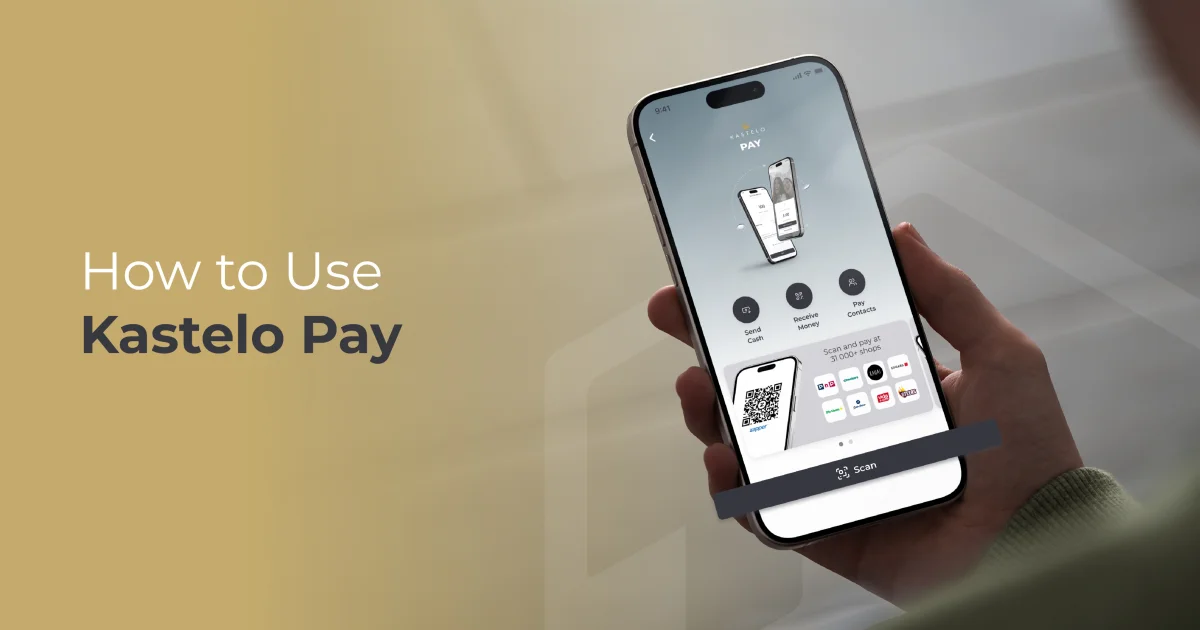
- Scan a QR code to pay at more than 31,000 payment points
- Create cash vouchers to withdraw cash at over 300,000 points or send them to someone
- Send money to your contacts for free
- Receive money instantly
All you need is the Kastelo app and your Kastelo Wallet, and you're ready to go.
Below are the four easy ways to use Kastelo Pay, with simple steps for each option.
1. Scan a QR Code to Pay
You can pay at thousands of retailers, spaza shops, and service providers nationwide by simply scanning a QR code.
How to scan and pay:
- Open the Kastelo app
- Tap More in the Kastelo Pay section on the home screen
- Select "Scan QR"
- Point your phone at the merchant's QR code
- Enter the amount if required
- Confirm your payment
- Your wallet will update instantly
It's fast, secure, and works anywhere QR payments are accepted.
2. Create a Cash Voucher
Cash vouchers give you flexibility, and you can withdraw cash at tills or send the voucher to someone else to collect.
How to create a cash voucher:
- Open the Kastelo app
- Tap More in the Kastelo Pay section
- Choose "Send cash"
- Enter the amount
- Tap Next
- Swipe to confirm
- You'll receive a voucher code instantly
Where to use it:
- Withdraw at major supermarkets and retail tills nationwide (over 300,000 points).
- To send it to someone: Share the voucher code with them — no wallet or app needed on their side.
3. Send Money to Your Contacts for Free
Paying friends, family, or anyone in your phone book is easy and free.
How to send money to a contact:
- Open the Kastelo app
- Tap More in the Kastelo Pay section
- Select "Pay contacts"
- Choose a contact from your phonebook or enter a number
- Enter the amount
- Add a note (optional)
- Tap Next
- Swipe to confirm
The money reflects instantly in their Kastelo Wallet.
4. Receive Money From Anyone
Whether someone is paying you back, sending pocket money, or gifting you something, receiving money with Kastelo Pay is instant and easy.
How to receive money:
- Open the Kastelo app
- Tap More in the Kastelo Pay section
- Select "Receive money"
- Enter the amount and tap Continue
- Present your QR code to the person paying you to scan