You've got kids who need phones. A work number you want separate from your personal line. Maybe a tablet or a hotspot device that needs its own connection.
Each one means another contract. Another account. Another login. Another monthly admin headache.
And if you want control over how much data your teenager uses or which apps they can access? Good luck. There's a better way.
Your own mini network
Kastelo GIGS lets you manage multiple numbers from one primary account.
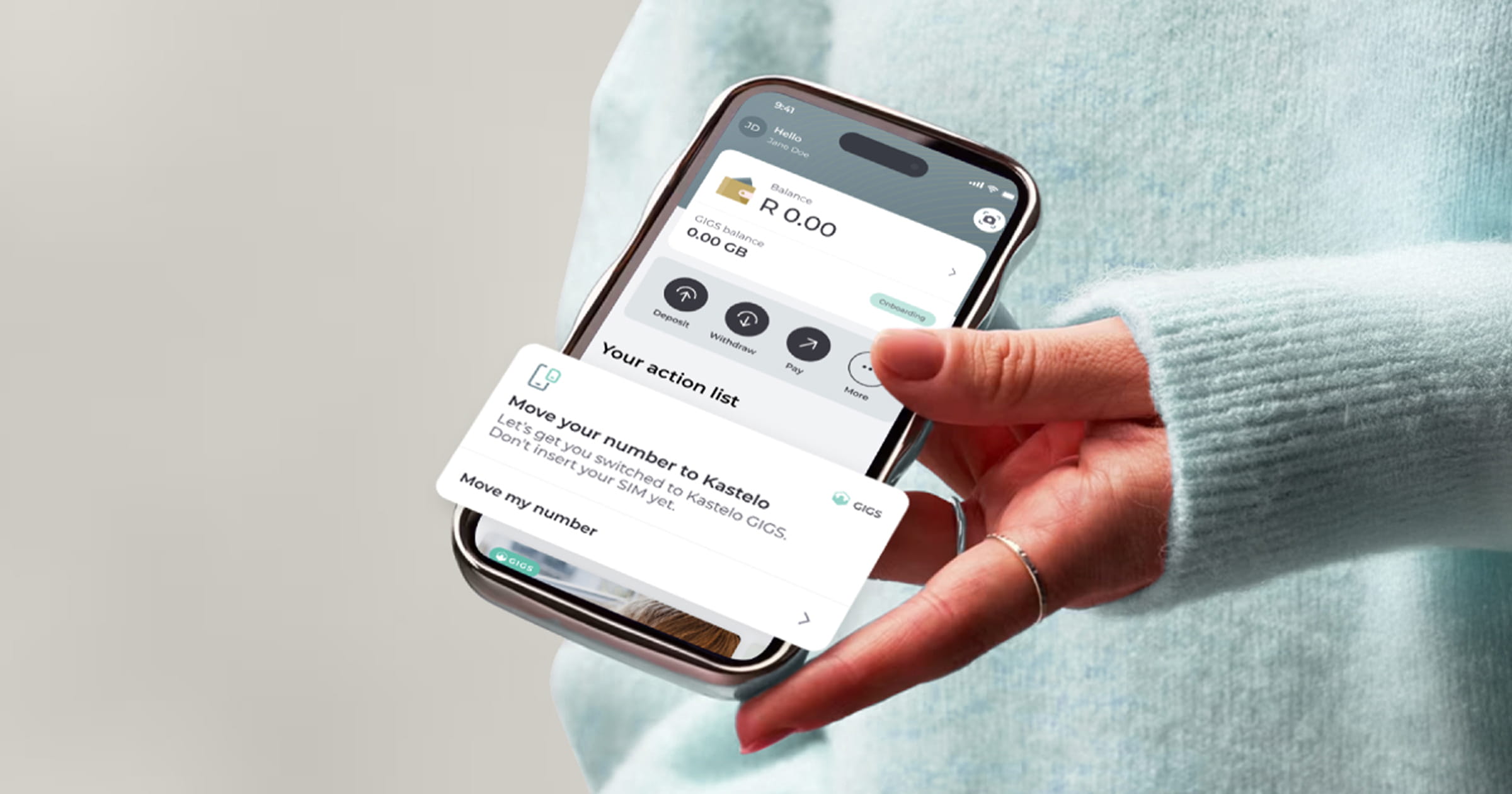
That means you can add SIMs or eSIMs for your children, your team, or extra devices—and control everything from the Kastelo app.
Think of your account as your own mini network. You're in control. Set permissions. Monitor data usage. Share your data pool across all your SIMs. All from one place.
Who is this for?
Parents
Give each child their own number. Control which apps they can use (WhatsApp only? YouTube and TikTok? Full access?). Set data limits. Monitor usage.
Real life: Your 13-year-old gets WhatsApp Only access for school group chats. Your 16-year-old gets access to social media (YouTube, TikTok, Instagram, Facebook) with a 5 GB monthly cap. You see their usage in real-time and top up when needed.
Small Business Owners
Give your team their own numbers without paying for multiple contracts. Share data across your team. Control who has full access and who just needs calls and WhatsApp.
Real life: Your field sales team gets full data access. Your delivery drivers get WhatsApp only. Your admin team shares a data pool. One account. One dashboard.
Multi-Device Users
You've got a phone, a tablet, and a mobile hotspot. Each one needs a connection. With GIGS, you add a SIM to each device, assign them to profiles, and manage them all from your primary account.
Real life: Your phone gets full access. Your tablet gets social access (streaming and browsing).
How it works
Step 1: Add a SIM to Your Account
Open the Kastelo app. Go to GIGS. Tap "Add SIM."
Choose what you need:
- eSIM (instant setup, scan a QR code or open a link)
- Physical SIM (delivered to your door or pick up at Pargo at Clicks)
Each additional SIM costs R69.
Step 2: Choose Your Delivery Option
eSIM: We send you a QR code or setup link. Share it with the user (or yourself if it's for another device). They scan or open it on their device.
Physical SIM: We courier it to you, or you pick it up at your nearest Pargo point at Clicks. Just insert it into the device when it arrives and restart it.
Step 3: Create Profiles
Create sub-accounts for different users or devices. Examples:
- Family (kids, spouse, elderly parents)
- Work (field team, office team, freelancers)
- Devices (tablet, hotspot, backup phone)
Step 4: Assign the SIM to a Profile
Once you've bought the SIM, assign it to a profile. That's how you control access and monitor usage for each number.
Step 5: Set Access Permissions
Decide exactly how each SIM is used:
- Full access — Unrestricted internet and calls
- WhatsApp only — Just WhatsApp (perfect for younger kids or limited work use)
- Social media — YouTube, TikTok, Instagram, Facebook, X (and nothing else)
- Custom mix — Pick the apps and services you allow
You can change permissions anytime. Instantly.
Step 6: Share Data and Monitor Usage
All your SIMs share data from your primary account. You decide how much each profile can use.
Set caps. Get alerts when someone's close to their limit. Top up individually or for the whole pool. You see everything in real time.
Common questions
Q: Can I remove a SIM if I don't need it anymore?
Yes. You can deactivate or remove SIMs from your account anytime.
Q: What happens if someone loses their phone?
You can pause or deactivate that SIM immediately from your account. No need to call anyone.
Q: Can I change access permissions after I've set them?
Yes. Change permissions anytime, instantly. Kids get older? Switch them from WhatsApp Only to Social Select. Team member changes roles? Adjust their access.
Q: Do all SIMs share the same data pool?
Yes. You decide how to allocate data across your profiles. Set individual caps or let them share freely.
Q: How much does each additional SIM cost?
R69 per SIM (eSIM or physical). After that, you're just sharing data from your existing account.
Q: Can I see how much data each SIM is using?
Yes. Real-time monitoring in the Kastelo app. See usage by profile, set alerts, and top up as needed.
Q: What's the difference between eSIM and physical SIM?
eSIM: Digital, instant setup via QR code or link. No physical card needed.
Physical SIM: A SIM card delivered to you or available for pickup at Pargo (Clicks). Insert it into the device.
Q: Can I pick up physical SIMs same-day?
Yes, at participating Pargo pickup points at Clicks. Select pickup during checkout and collect when ready.
Get started
Give your family or team their own numbers. Add SIMs, share data, and stay in control—all from the Kastelo app.
Open GIGS in Kastelo and add your first SIM.